





Exhibitors at APAC trade shows lose an average of 60–70% of their potential leads through manual or inconsistent capture processes. Choosing the right event lead capture technology is the single highest-ROI decision an exhibitor can make before an event. This guide covers the five methods that consistently outperform manual badge collection — and what to look for when choosing a system.
Why Most Exhibitors Leave Leads on the Table
The core problem is timing and volume. Trade shows move fast — booth staff juggle conversations, demos, and giveaways simultaneously, and most manual capture methods fail under that pressure. The result is a contact list full of gaps, illegible handwriting, and context-free entries that the sales team cannot act on.
The 5 Manual Methods That Consistently Fail
- 1Business card collectionCards go missing, handwriting is illegible, and there is no way to tag a lead's interest level in the moment.
- 2Spreadsheet entry during the eventTime-consuming and error-prone. Staff stop selling to type. Data quality degrades over a 3-day event.
- 3Photographing badgesPhotos are unstructured, cannot be exported to a CRM, and frequently violate privacy regulations in markets like Singapore and Hong Kong.
- 4Memory-based note-takingA guaranteed way to lose 90% of context within 24 hours of the event closing.
- 5No system at allMore common than exhibitors admit. Leads exist in five people's heads and on six different phones.
A Singapore-based pharmaceutical exhibitor at a 2024 APAC medical congress captured fewer than 30 leads over 3 days using business cards. After deploying a handheld badge scanner at the following year's event, the same two-person team captured 247 quality leads in the same timeframe — with interest tags and follow-up actions attached to every contact.
The 5 Lead Capture Methods Ranked by Effectiveness
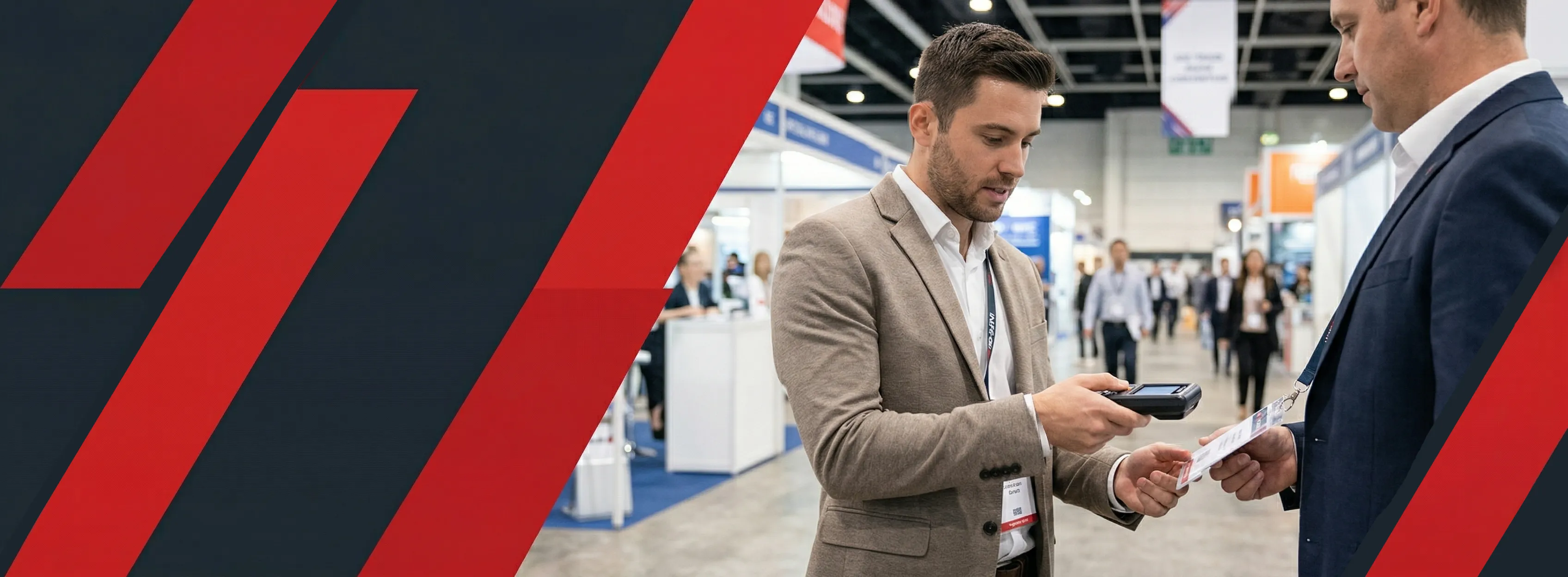
For most B2B trade show exhibitors in APAC, handheld badge scanning is the highest-performing method. It combines speed (under 3 seconds per scan), instant data accuracy, and on-screen qualification — with no data entry delay and no lost contacts.
- 1Handheld badge scanners — the default choiceStaff scan attendee badges (QR or barcode) in under 3 seconds. Contact data is captured instantly. Notes and interest tags are added on-screen immediately after the conversation.
- 2Mobile app scanning (organiser-provided)Most major trade show organisers now offer a lead capture app. Lower cost than dedicated hardware, but usually lacks custom qualification fields and CRM export options.
- 3Kiosk-based self-registrationAttendees enter their own details at a booth kiosk. Works well for giveaway campaigns but misses the human qualification moment.
- 4NFC tap cardsEmerging in tech and innovation events. Fast and low-friction but requires NFC-capable badges, which most APAC trade shows have not yet standardised.
- 5Manual form or business cardLast resort. Acceptable only for events under 50 total booth visitors per day.
Lead Capture Methods at a Glance
| Method | Speed per Contact | Qualification Data | CRM Export | Cost |
|---|---|---|---|---|
| Handheld badge scanner | Under 3 seconds | Full tagging | Yes | Medium |
| Organiser mobile app | 5–10 seconds | Limited | Partial | Low |
| Kiosk self-registration | 60–90 seconds | Attendee-entered | Yes | Medium |
| NFC tap | Under 1 second | None | Yes | High |
| Business card / manual | 30–60 seconds | None / handwritten | Manual entry only | Near zero |
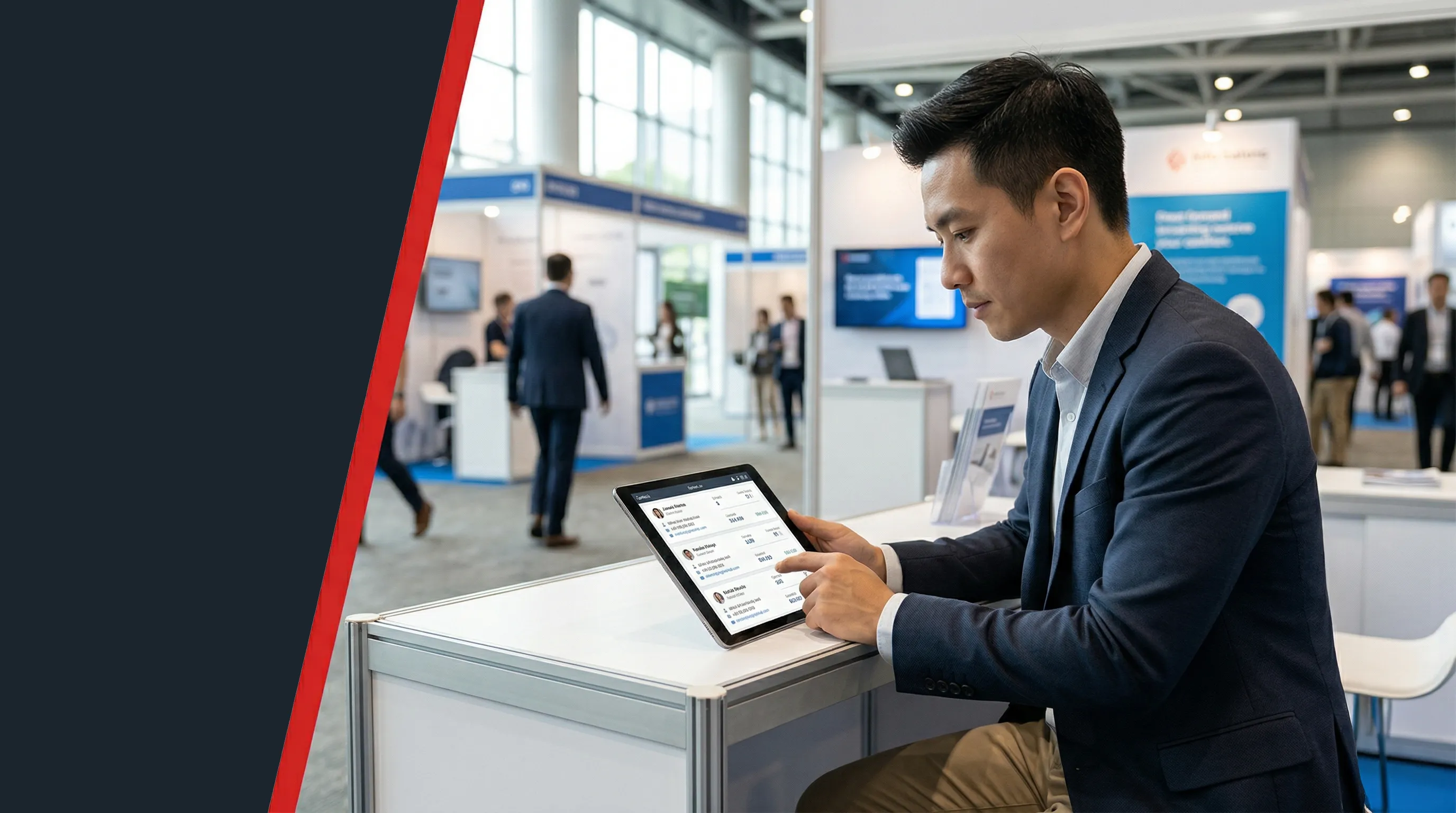
At the Singapore Fintech Festival, exhibitors using handheld scanners with CRM integration reported a 3× improvement in post-event follow-up speed — with the time from scan to first personalised email dropping from an average of 5 days to under 18 hours.
How to Qualify Leads at the Point of Capture
Capturing a badge is not the same as capturing a qualified lead. The difference between a useful lead database and an unusable contact list is qualification data added at the moment of scan — before the conversation fades.
The 5 Fields Every Lead Capture System Should Record
- 1Interest tagsWhat product, service, or use case did the attendee respond to?
- 2Budget signalDid they indicate a budget range or a live project? Flag these contacts separately — they need to reach sales within 24 hours.
- 3Follow-up actionWhat was agreed? Demo request, send brochure, no action needed, do not contact. Record it at the scan, not three hours later.
- 4Decision timelineIs this a project in the next 3 months, 12 months, or speculative? Determines whether the lead goes to sales or nurture.
- 5Free-text notesOne sentence capturing anything that does not fit a tag. "Mentioned their current provider contract expires in June" is worth more than any checkbox.
"The difference between a tagged lead and an untagged one is not just data quality — it is whether your sales team can act on it in 48 hours or has to call everyone and ask 'sorry, what did we talk about?' That second conversation loses deals."
"At an industrial machinery trade show in Hong Kong, a capital equipment manufacturer used a 5-field qualification template on their badge scanner. Leads tagged "budget confirmed + Q2 timeline" converted at 4× the rate of untagged contacts. Their team used Info Salons' exhibitor lead capture technology to manage the full tagging workflow without leaving the conversation.
Setting Up Your Lead Capture System Before the Event
Preparation done before the event determines 80% of the outcome. Lead capture systems configured on the morning of Day 1 consistently underperform those configured in the week before.
Pre-Event Setup Checklist
- 1Confirm badge format with the organiserQR code, barcode, or NFC? Your scanner hardware must match. Confirm this in writing at least 2 weeks before the event.
- 2Build your qualification templateDefine your tags and fields before the event. Train all booth staff on the exact workflow — every person must tag identically or the data becomes unsortable.
- 3Test the scanner with sample badge dataAt least 48 hours before. Print a sample QR code and scan it. Never rely on testing on the event floor.
- 4Configure CRM export settingsWhere does captured data go? Define the field mapping before the event, not after.
- 5Charge all devices and pack sparesFull charge before Day 1. Pack a portable power bank. A dead scanner at 2 PM on Day 2 is not recoverable.
An Australian industrial company attending CIFF ran a full pre-event test of their scanning system using printed QR code samples — replicating the exact badge format the organiser had confirmed in writing. They captured 312 leads over 4 days with zero technical failures, while the booth next door lost an entire afternoon to a configuration error discovered on Day 2.
What to Do With Leads After the Event
The most common mistake is waiting more than 72 hours to begin follow-up. Lead relevance decays rapidly after an event closes — by Day 5, the average attendee has visited 3 other booths, received 20 vendor emails, and returned to a full work schedule.
The Post-Event Lead Workflow
- 1Export all leads within 2 hours of the event closingDo not leave data on a device overnight. Export immediately to a shared drive or CRM before the team disperses.
- 2Segment by qualification tagsHot leads (confirmed budget + timeline) go to sales within 24 hours. Warm leads enter a nurture sequence. Cold leads go into a quarterly newsletter.
- 3Send a personalised first email within 48 hoursReference the specific conversation. Avoid generic "great to meet you at the show" templates.
- 4Load all contacts into your CRM with event tagsTag the event name, date, and staff member who scanned each lead.
- 5Measure and report ROILeads captured ÷ qualified pipeline generated ÷ event cost = cost per qualified lead.
"The exhibitors who close deals from trade shows are not always the ones with the best product or the biggest booth. They are the ones who followed up on Wednesday morning while their competitors were still recovering from three days on the exhibition floor."
"
Conclusion: Your Lead Capture ROI Starts Before the Event Opens
The exhibitors consistently capturing the most qualified leads at APAC trade shows share three things: a dedicated scanning device configured before they fly, a qualification template every booth staff member uses identically, and a 48-hour follow-up process that runs while competitors are still unpacking boxes.
- 1Handheld badge scanners outperform every alternativeFor B2B exhibitors at APAC trade shows with 500+ attendees, there is no faster or more accurate capture method.
- 2Qualification at the moment of scan is the differentiatorUntagged contacts are a contact list. Tagged, qualified leads are a pipeline. The difference is 5 seconds per scan.
- 3Pre-event setup determines 80% of the outcomeTest your system before you travel. Configure your template before your staff briefs.
Frequently Asked Questions
Direct answers — no preamble.
Handheld badge scanning — under 3 seconds per contact for the scan itself. Add 15–30 seconds for on-screen qualification tagging and you have a fully documented lead in under a minute.
Yes — with trade-offs. Organiser apps are lower cost and eliminate hardware logistics. The limitations: fewer custom qualification fields, limited CRM export, and dependency on venue WiFi. For events under 50 meaningful conversations per day, the organiser app is often sufficient.
Within 48 hours for personalised outreach to hot leads. Within 72 hours for all other contacts.
Yes — provided the attendee consented to lead scanning at registration. Most major trade show organisers include a lead capture consent clause in the attendee registration terms. Do not scan without organiser confirmation that consent was captured.
Start with cost per qualified lead: Total event cost ÷ number of qualified leads captured. Then track downstream: qualified leads → pipeline opportunities → closed revenue.