






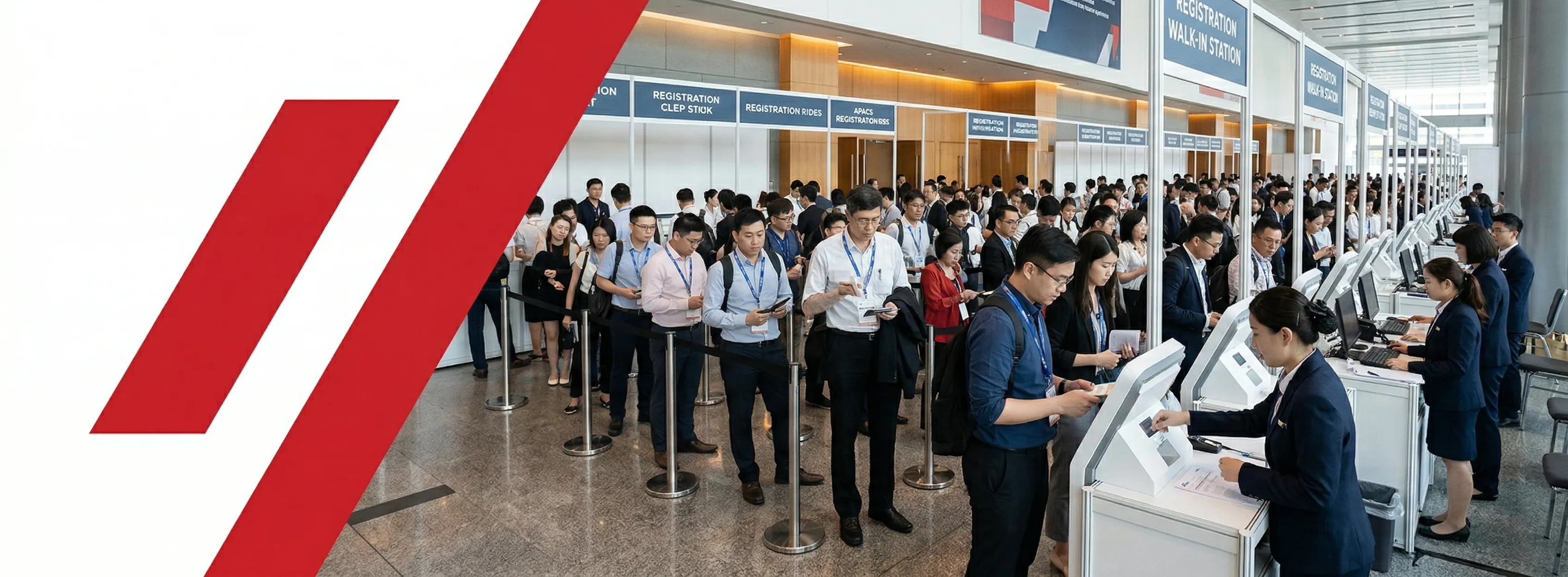
Walk-ins bring revenue and headcount — but a single shared queue turns them into your biggest operational liability on Day 1. At open trade exhibitions in Asia, walk-in attendance typically runs between 15% and 35% of total footfall; at consumer-facing shows it can reach 50%. Getting your onsite registration system right means treating walk-in volume as a first-class planning variable — not patching it with a paper sign-in sheet and a prayer.
This article breaks down exactly why shared queues fail, how to build a dedicated walk-in lane that actually works, what badge production strategy walk-ins demand, and how to turn every walk-in into a usable data record before they hit the floor.
Why the Shared Queue Always Fails — And Why It's Not a Staffing Problem
Sharing one queue between pre-registered and walk-in attendees is an architectural problem, not a staffing problem. Pre-registered attendees need 4–8 seconds at the desk; walk-ins need 90 seconds to 4 minutes. One walk-in mid-queue becomes a 4-minute wall for every pre-registered attendee behind them.
- 1Pre-registered service time: 4–8 secondsBadge scan or name lookup, hand over lanyard — fast and predictable every time.
- 2Walk-in service time: 90 seconds to 4 minutesData entry, payment, badge print, orientation — four steps that do not compress when the queue builds.
- 3Multiplier effect in a shared laneOne walk-in at position 3 in the queue delays every pre-registered attendee behind them for the full walk-in service duration.
- 4Visible chaos at the entry pointQueue overflow is the first impression every arriving attendee sees. It signals poor organisation before a single session starts.
- 5Data loss from paper-based walk-in capturePaper sign-in forms have a transcription error rate of 12–18%. Digital kiosk capture is effectively zero.
Event: 4,000-attendee trade fair, Kuala Lumpur. Walk-in rate: 28% (approximately 340 walk-ins in the peak window). Configuration: four shared registration desks. Result: average queue time exceeded 22 minutes by 9:45 AM. After splitting to a dedicated walk-in kiosk lane: peak queue time dropped to 7 minutes within 20 minutes of implementation.
How to Build a Walk-In Lane That Actually Clears the Queue
A dedicated walk-in lane with its own kiosk allocation, staff role, and physical signage is the only configuration that prevents queue collapse at the opening peak.
For comprehensive floor plan guidance, see onsite registration for large-scale exhibitions.
- 1Lane separation: one dedicated walk-in lane per 500 expected walk-insPosition the walk-in lane at the side or a secondary entry point — never flanking the main pre-registered lane.
- 2Kiosk allocation by service modeSelf-service kiosks: 90–120 seconds per walk-in, minimal staff. Staffed desks: 60–90 seconds but require a trained operator per terminal.
- 3Directional signage from the outer entrance"New Attendees / Walk-In Registration" in English and the primary local language. Not just at the desk — at the entry door.
- 4Dedicated walk-in queue manager (not a desk operator)One staff member whose only role is to direct, pre-qualify, and manage the walk-in line.
- 5Integrated payment at the kiosk or deskIf walk-ins require payment, this must be integrated into the kiosk flow. A second payment counter is a second queue.
Event: Trade show, HKCEC. 6,000 registered attendees, 22% walk-in estimate. Configuration: 8 pre-registered desks + 3 walk-in kiosk stations + 1 walk-in queue manager. Result: zero queue crossover, 94% of walk-ins processed within 4 minutes during the peak morning window.
Badge Production for Walk-Ins: Why This Is the Strongest Argument for Print-on-Demand
Walk-ins are the single most compelling operational argument for print-on-demand (POD) badge production over pre-printed stock. Pre-printed badge systems have no mechanism for unregistered attendees.
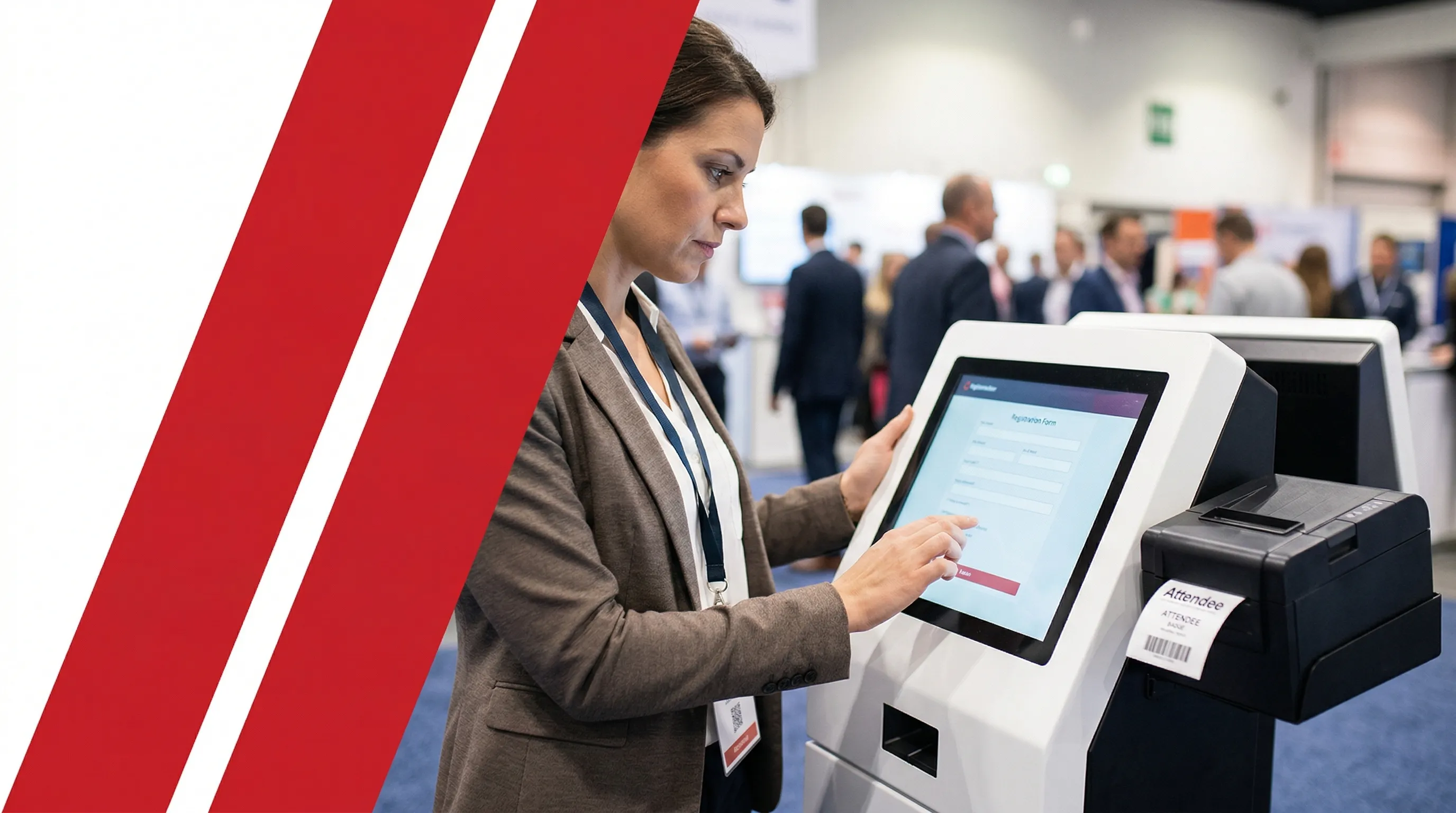
For a full analysis of badge production methods, see pre-print vs on-demand badge production.
- 1POD advantage: data entry triggers badge print instantlyAny walk-in data entered at the kiosk immediately triggers a badge print — no manual workaround.
- 2Visually distinct badge template for walk-insUse a different colour band or "VISITOR" category. Helps exhibitors identify attendee type instantly.
- 3Print time: 8–12 seconds per badgeCombined with 90-second data entry, a walk-in is badged and floor-ready in under 2.5 minutes.
- 4Zero badge waste versus pre-print over-orderingPOD prints exactly what attends. Pre-printed systems typically over-order by 20–30%.
Event: B2B manufacturing trade show, Singapore. Walk-ins on Day 1: 610. System: POD kiosks. Result: all 610 walk-in badges produced at kiosks, average badge-out time 2 minutes 20 seconds. Zero manual badge interventions required across the full day.
Capturing Walk-In Data: The Difference Between a Headcount and an Asset
Every walk-in who leaves without a digital data record is lost revenue for your exhibitors and a gap in your post-event reporting. Paper-based walk-in capture has a 12–18% transcription error rate. Digital kiosk capture is effectively zero.
| Data Field | Purpose | Privacy Jurisdiction |
|---|---|---|
| Full name + organisation | Exhibitor lead matching | All jurisdictions |
| Contact email | Post-event comms + survey | All jurisdictions |
| Job title / industry segment | Analytics + sponsor reporting | All jurisdictions |
| Consent confirmation | Data use authorisation | PDPO (HK) · PDPA (SG/TH) · PIPL (CN) |
| Badge category | Access control zone permissions | All jurisdictions |
Walk-in attendees must be assigned to the correct access tier before they reach the show floor. If your event uses zone-restricted areas, see our guide to zone-based access control for trade exhibitions in Asia.
Event: Trade expo, Guangzhou. Total attendance: 14,000. Walk-in rate: 31% (approximately 4,340 walk-ins). Digital kiosk capture: 98.7% complete data records versus 61% for paper backup (prior year). The shift to full digital kiosk capture added approximately 1,650 usable walk-in contact records to the exhibitor data delivery.
What Happens When the Walk-In Volume Exceeds Your Contingency Plan
Even a well-planned walk-in lane will face surge moments — and the question is not whether a surge will happen, but whether your onsite registration configuration has a live overflow trigger built in before Day 1.
- 1Surge threshold: 15-person queue activates overflow protocolThe queue manager calls the overflow protocol the moment the walk-in queue reaches 15 people — not 30.
- 2Pre-designated overflow deskOne desk in the registration zone is pre-assigned as walk-in overflow. It converts within 90 seconds during a surge.
- 3Radio channel, not WhatsAppThe queue manager has a direct radio channel to the registration supervisor. Group messaging apps introduce 30–120 second delays.
- 4Real-time processing rate monitoringYour onsite registration software should display live counts by attendee type.
- 5Staff rotation every 90 minutesWalk-in processing is cognitively intensive. Rotate dedicated walk-in staff every 90 minutes to maintain accuracy and speed.
For a complete contingency architecture, see onsite registration guide for APAC.

It was 9:48 AM on Day 1 of a 7,000-attendee industrial trade show in Bangkok. Three tour groups arrived simultaneously: 140 people, all walk-ins. The queue hit 60 people in eight minutes. The overflow desk operator hadn't been briefed on walk-in data capture — only pre-registered badge retrieval. We lost four minutes re-training at the desk while the queue kept growing.
The fix we implemented the next day: every desk operator in the registration zone is now cross-trained on walk-in processing, regardless of their assigned role. Overflow activation takes 90 seconds, not four minutes. That one change has held across six shows since.
— Alan Wong, General Manager, Info Salons Asia
A post-event analysis of large-scale MICE events across Southeast Asia found that 78% of Day 1 registration failures involving walk-in attendees traced back to a single architectural root cause: the onsite registration workflow was designed around the pre-registered attendee list, with walk-ins handled as exceptions within the same process.
That is the gap that onsite check-in technology from Info Salons Asia is built to close — a single connected platform where walk-in registration, badge production, access control, and data capture operate as one integrated workflow.
Frequently Asked Questions
Walk-in registration at trade shows and exhibitions
The baseline is one kiosk station per 100–150 expected walk-in attendees during the peak 90-minute opening window. For a show expecting 600 walk-ins across the day with 40% arriving in the first 90 minutes (240 people), two to three kiosk stations is the correct starting point — plus one overflow-capable staffed desk.
Technically yes, but operationally inadvisable. Walk-in kiosks require a different UX flow: data entry fields, consent triggers, payment gateway (if applicable), and a badge print prompt. Pre-registered kiosks run a fast-lookup flow. Mixing both flows on the same hardware creates friction and queue congestion above 500 total attendees.
Hong Kong: PDPO consent for data collection and use. Singapore and Thailand: PDPA consent. Chinese nationals at Mainland China events: PIPL consent, including restrictions on cross-border data transfer. Your onsite registration form should dynamically surface the appropriate consent statement based on nationality or country of residence input.
Walk-in data should feed into the same post-event database as pre-registered attendee data — not a separate spreadsheet or secondary system. If your exhibitors receive post-show lead data, walk-in contacts who consented to contact should be included in the same export.
With self-service kiosks running a streamlined data entry form and an on-demand badge printer co-located at the kiosk, the current benchmark is 85–110 seconds per person from queue entry to badge in hand. Facial recognition pre-registration with a walk-in bypass lane can reduce this to 20–35 seconds for returning visitors.